
Topic
#staff
Articles about staff from the Credit Khata blog and help centre.
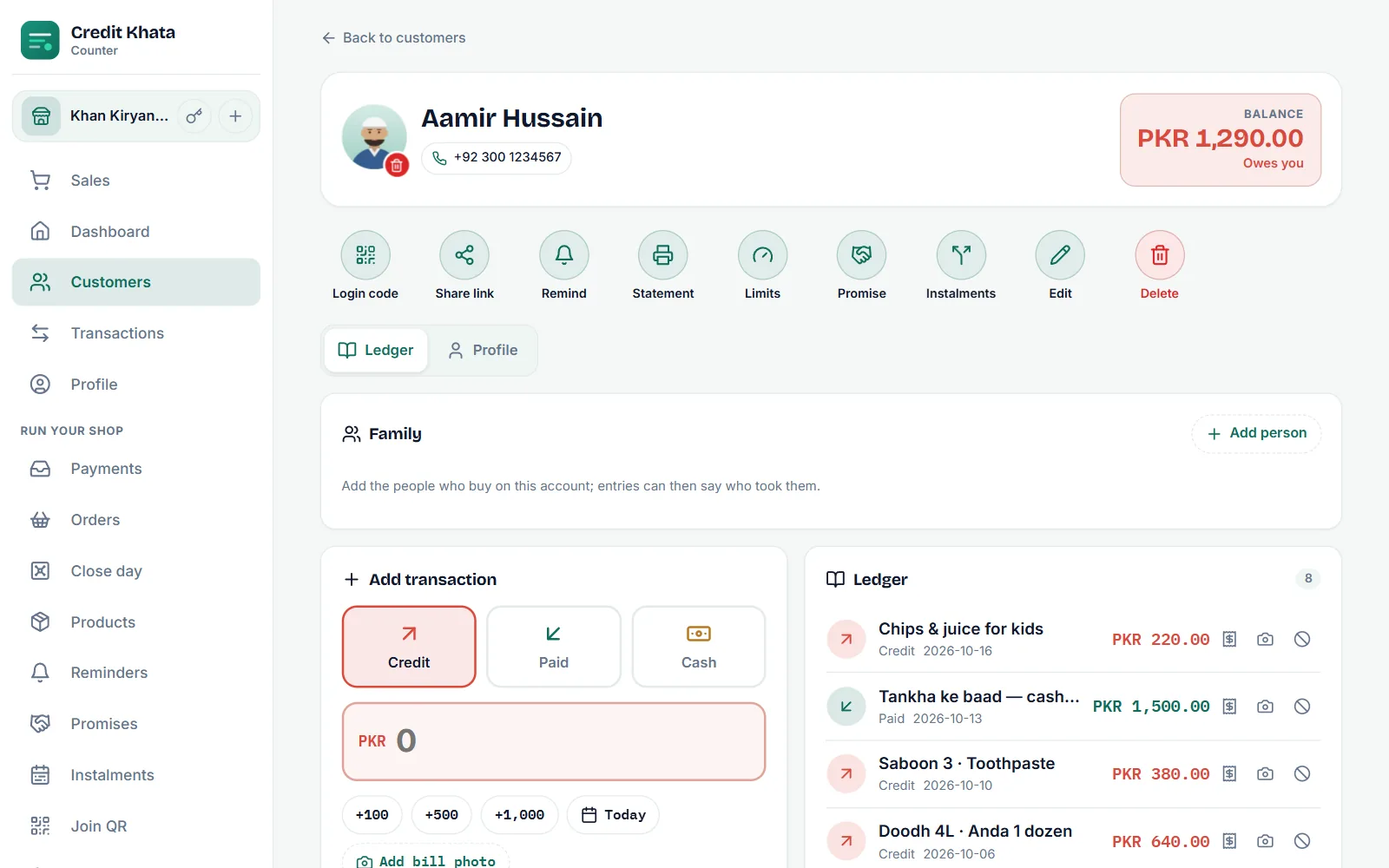
New in Credit Khata: profile photos for customers, owners and staff
Customers can add a photo on each shop account, seen only by that shop. Owners and staff add their own, and an owner or manager can take down a customer's photo.
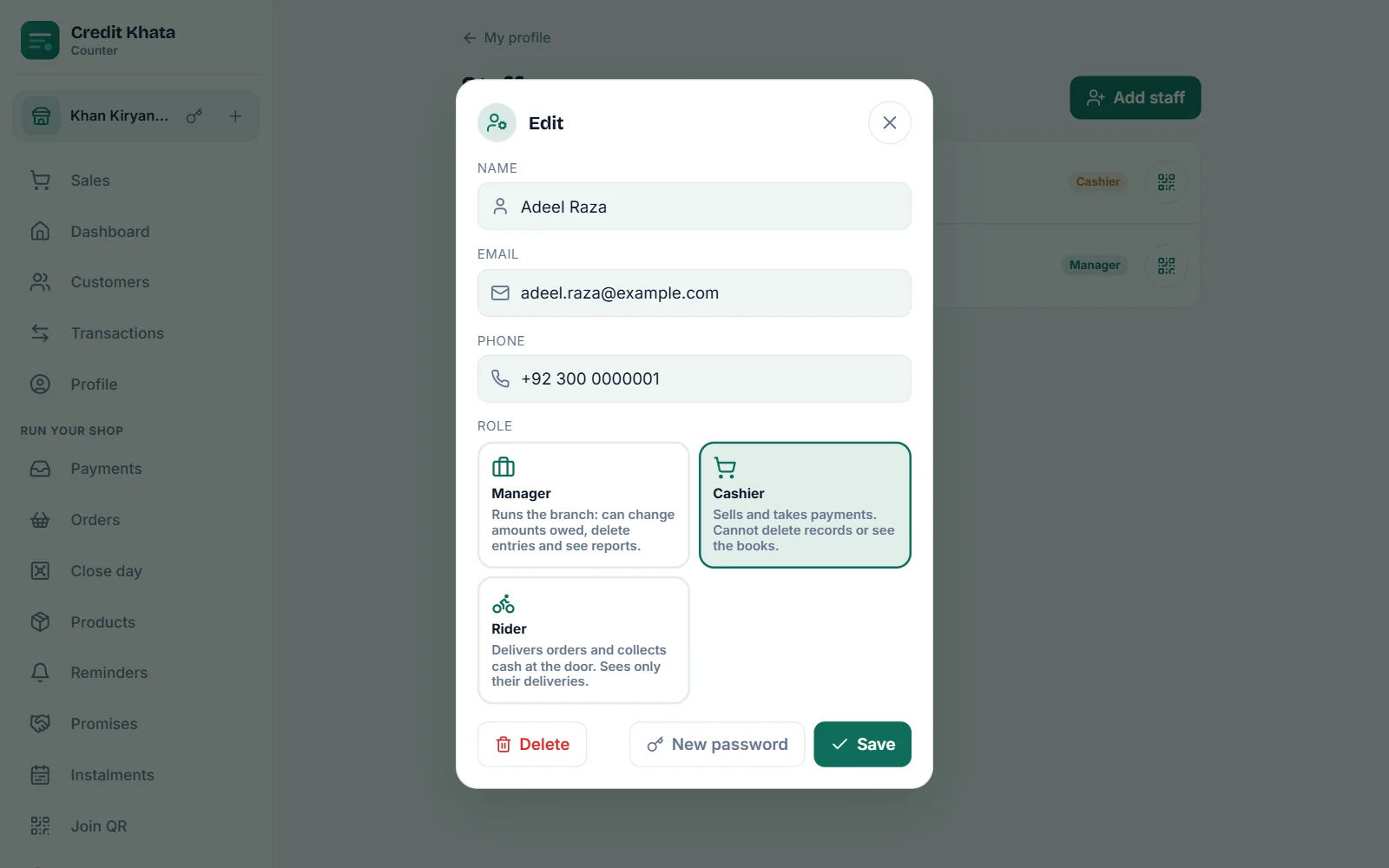
Shop staff permissions: what a cashier and a manager should do
Give each person their own login. Cashiers sell, take payments and remind; managers also fix records and see the books; only the owner handles staff, branches and the business's data.
Add, change or remove your profile photo
Customers add a photo on each shop account, and only that shop sees it. Owners and staff add their own in Profile. A shop owner or manager can take down a customer's photo.
Give staff their own logins: manager or cashier
On Pro, go to Profile → Staff → Add staff, enter their name and their own email or phone number, choose Manager or Cashier, and save. Copy the password shown once, or show a sign-in QR.